Best eSIM for Korea: Tested Plans & Real Traveler Tips

The best eSIM for Korea is the one that has you scanning a subway QR code at Incheon before your suitcase even reaches the carousel. I have made this trip four times in the last three years, twice for two weeks and twice for long weekends, and every single time I have relied on an eSIM instead of a counter SIM. Korea runs on connectivity in a way few countries do: T-money top-ups, KakaoMap directions, Naver reviews, and the small daily miracle of ordering fried chicken to a park bench at midnight. Arriving without data here does not just slow you down, it quietly locks you out of how the country actually works.
The reassuring part is that South Korea has some of the fastest, most reliable mobile networks on the planet, so almost any eSIM will feel quick. The real differences, and the reason I keep testing plans, come down to coverage once you leave Seoul, how much data you actually burn, and how painless the setup is on landing day. Here is exactly how I choose, with the numbers I have logged from my own trips.
Why an eSIM beats the airport SIM counter in Korea
You can still buy a physical tourist SIM at Incheon or Gimpo, but it means a queue, a passport check, and swapping out your home SIM, which is when your bank OTP texts stop arriving at the worst possible moment. In October last year I timed the counter line at Incheon Terminal 1 at just past 9pm: it snaked past roughly twenty people, and the couple in front of me spent nearly fifteen minutes on paperwork. An eSIM sidesteps all of that. It installs as a second line on your phone, so your normal number stays active for calls and verification codes while a Korean data plan quietly handles everything else.
Here is where the numbers stop being abstract. On that same trip I bought a StrongeSIM about ten minutes before boarding in Bangkok, scanned the QR on the plane using gate Wi-Fi, and landed in Incheon already connected before I reached passport control. That single decision saved me from missing the last 6001 airport bus into Myeongdong while everyone else was still filling in forms.
StrongeSIM plans are data-only and delivered by QR code the instant you buy, so you can install on the plane or the night before. Plans start around $3.50, hotspot sharing is included, and there is no roaming bill waiting when you get home. You can browse the full range on the Asia eSIM pages and pick a size that fits your trip.
Choosing your Korea eSIM: the factors that really matter
Network coverage and speed
Korea's three carriers, SK Telecom, KT, and LG U+, blanket the country with dense 4G and widespread 5G. In Seoul, Busan, and along the KTX corridor you will rarely see a signal drop. I ran a quick speed test outside Gangnam station in April and clocked 183 Mbps down on an SK Telecom connection, and on the KTX at full speed I held a video call to my parents most of the way from Seoul to Busan without a stutter. Coverage stays strong on Jeju Island and in mid-size cities like Jeonju and Gyeongju too.
The honest exceptions I have hit are worth naming so you can trust the rest. Signal thinned out deep inside Bukhansan National Park above the ridgeline, and it flickered on the small ferry crossing over to Udo Island off Jeju. Those are edge cases that would trip up any provider, because the baseline here is genuinely excellent. For the best eSIM for Korea, raw coverage is less of a differentiator than it is in, say, remote parts of China. What matters more is data size, price per GB, and how fast you get online.

How much data you really need
Korea makes you use data. Live map navigation, translation apps working overtime on menus, QR check-ins, and video calls home add up fast. On my last 7-day trip to Seoul I used 8.5GB, mostly on KakaoMap, Instagram stories from Gyeongbokgung and Bukchon, and a few video calls home. A 10GB plan would have been perfect, with a little buffer. Here is a rough guide pulled straight from my own usage logs:
- Light use (maps, messaging, occasional browsing): around 500MB to 1GB per day.
- Normal tourist use (maps all day, social posts, some streaming): 1GB to 2GB per day.
- Heavy use (hotspot for a laptop, lots of video, remote work): 2GB or more per day, or an unlimited-style plan.
For a week in Seoul with day trips, most travelers are comfortable on a plan in the 5GB to 10GB range. Compared with the typical single-country offers I see floating around, a right-sized StrongeSIM plan tends to win on price per GB precisely because you are not paying for a fat unlimited tier you will never touch. When I worked remotely from a Hongdae cafe for three days, I tethered my laptop and jumped to a heavier plan, so if that is you, size up rather than risk topping off mid-trip.
Plan length and flexibility
Match the validity window to your itinerary. A long weekend in Seoul does not need a 30-day plan. A month split between Korea, Japan, and Hong Kong might be better served by a regional option. If your route hops borders, compare a Korea-specific plan against a broader multi-country Asia plan and a truly global plan before you buy, since one purchase can sometimes cover the whole trip.
Setting up your Korea eSIM in five minutes
The process is genuinely quick, but do the installation before you fly while you still have reliable internet. Keep your home Wi-Fi or data on until the moment you land.
- Check your phone is eSIM-capable and carrier-unlocked. Most iPhones from the XR onward and recent Samsung Galaxy, Google Pixel, and other flagship models qualify.
- Buy your Korea plan and receive the QR code by email, usually within minutes.
- Go to Settings, add a cellular or mobile plan, and scan the QR code.
- Label the new line something like 'Korea Data' and set it as your data line, while keeping your home SIM for calls and texts.
- Turn off data roaming on your home line so it never sneaks onto a paid network.
When you land, enable the StrongeSIM line for data and you should connect within a minute or two. If anything looks stuck, toggling airplane mode once usually kicks it into gear. That exact trick fixed it for me at Gimpo when nothing appeared for the first thirty seconds and I was starting to sweat. Our setup and support guides walk through the device-specific menus if you get stuck.
Getting the most out of your data in Korea
A few habits stretch your plan and make the trip smoother, and these are the ones I have actually kept using:
- Use KakaoMap or Naver Map instead of Google Maps, which is limited for street navigation in Korea. Download offline map areas as a backup before you head into the mountains.
- Free Wi-Fi is everywhere: subway stations, cafes, convenience stores, and most accommodation. I found the free Wi-Fi at the Starfield Library in COEX Mall perfect for large downloads and app updates while I nursed a coffee for an hour.
- Turn on your hotspot to share the connection with a travel companion or your laptop. Hotspot sharing was a lifesaver when my travel buddy's phone died mid-hike on Jeju; we tethered his maps to my StrongeSIM and carried on to Seongsan Ilchulbong without missing a turn.
- Set streaming apps to a lower resolution over cellular so a movie on the KTX does not devour a day's allowance.
If you are pairing Korea with other stops, it is worth reading how eSIMs behave across borders on our travel connectivity blog, and checking the individual destination pages for each country so you know exactly what your plan covers.
Who should skip an eSIM
Two groups, honestly. First, anyone whose phone is locked to a home carrier or too old to support eSIM: you will need a physical SIM instead. Second, travelers who need a Korean phone number for local services. If you plan to use Coupang Eats, Baemin, or certain local banking apps, you will need a local Korean number, which data-only eSIMs like StrongeSIM do not provide. For KakaoTalk, maps, translation, and general tourist needs, your home number plus a data eSIM are perfectly fine, since messaging apps handle calls and your home number stays live for verification codes.
So, what is the best eSIM for Korea?
After four trips and more speed tests than I would like to admit, the best eSIM for Korea is a right-sized, data-only plan you install before departure, on a network with strong nationwide coverage, that leaves your home number intact. For most 7-day trips to Seoul with a few day trips, my top pick is a StrongeSIM 10GB plan valid for the length of your stay.
Based on my own 8.5GB week, that gives you daily navigation, social posts, and a couple of video calls home with a comfortable buffer, all with instant QR delivery, hotspot included, and prices from around $3.50 for the smaller sizes. Pick your data size, install it on the plane, and let Seoul do the rest.
Frequently asked questions
Read next
 Best eSIM for Gibraltar: Stay Online on the RockHow to pick and set up the best eSIM for Gibraltar, including the quirks of the Spanish border, coverage on the Rock, and keeping your number.
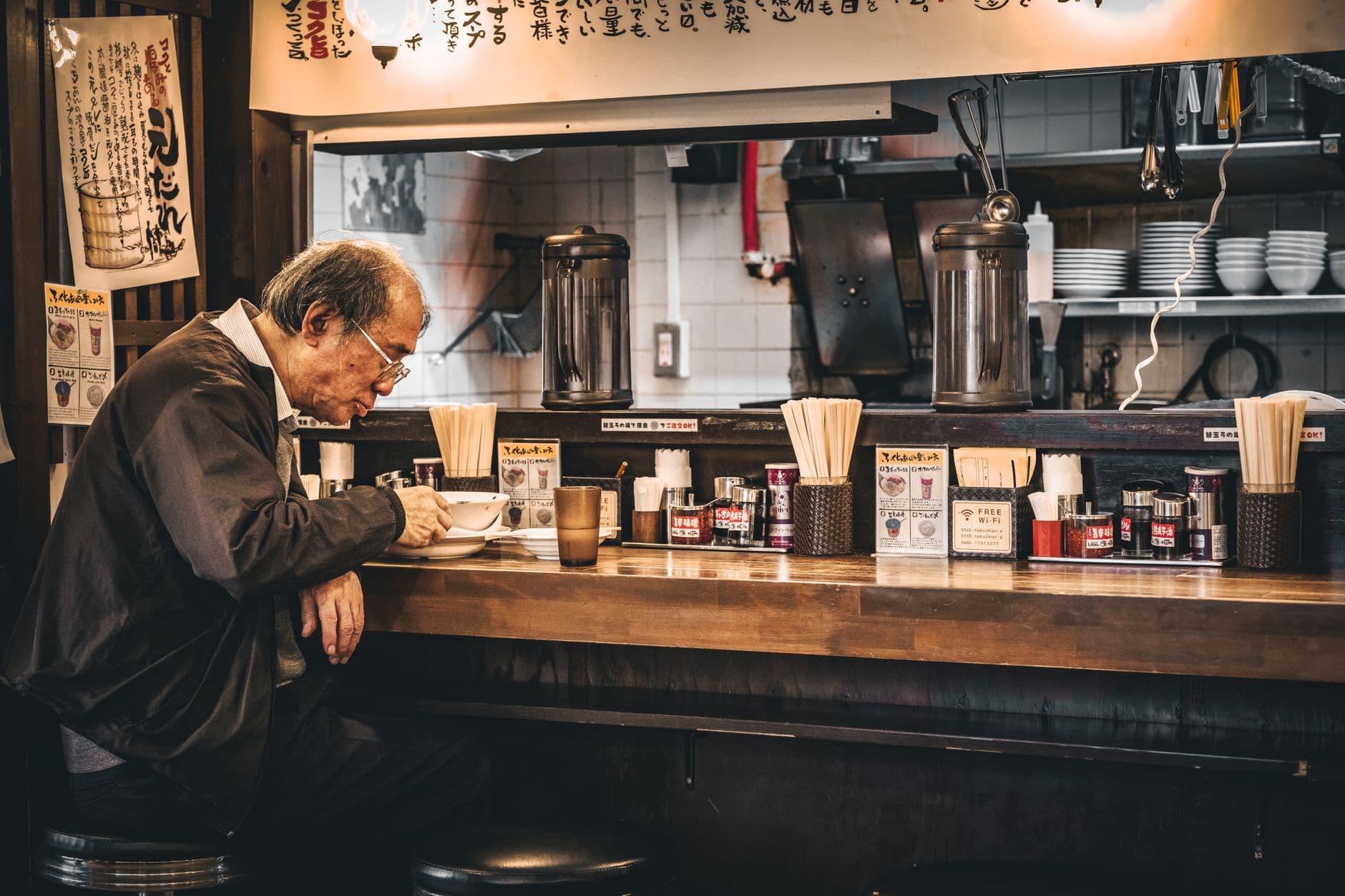 Finding the Best Ramen in Tokyo Like a LocalDon't just eat ramen in Tokyo, experience it like a local. This guide covers ordering, etiquette, and the best shops for every style.
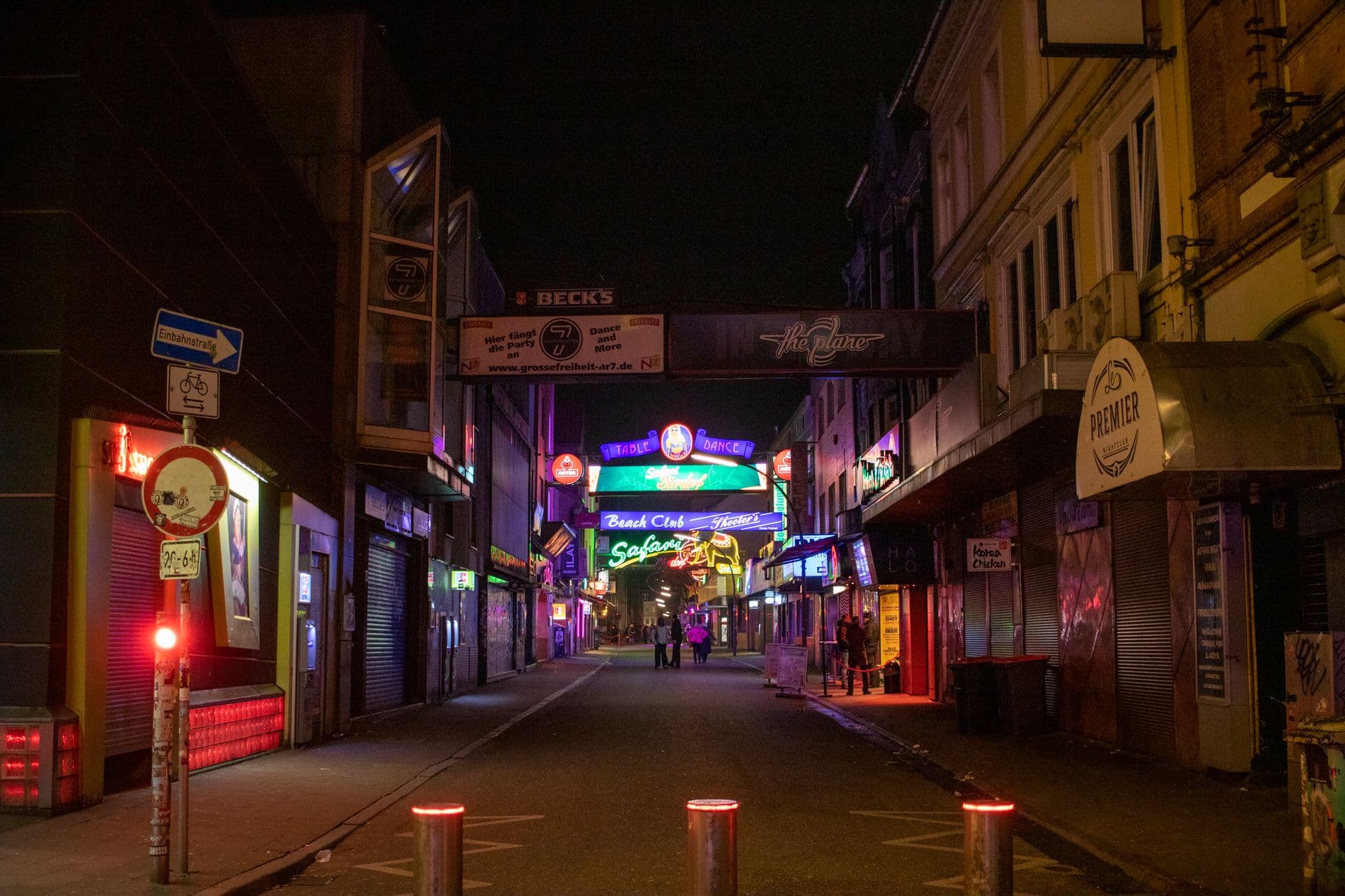 Your First-Timer's Guide to Berlin NightlifeBerlin nightlife has a legendary reputation, but for first-timers, it can feel like navigating a secret society. This guide cuts through the mystique to give you the practical details you need for a great night out.
Heading somewhere specific? Compare prepaid and unlimited plans across 197 eSIM destinations, or read the eSIM setup guide before you fly.