Digital Nomad Thailand: How Much Data Do You Really Need?
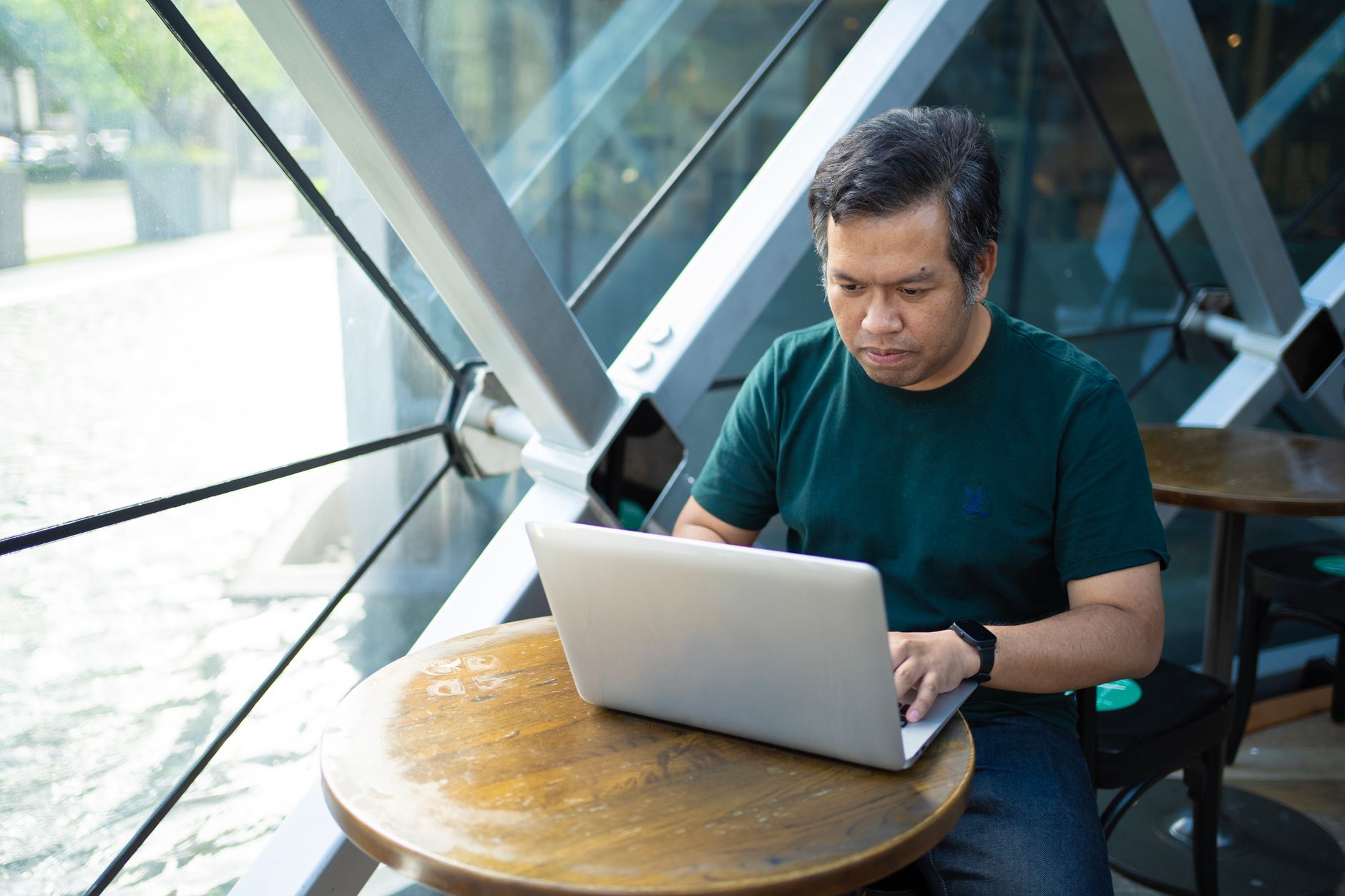
Picture this: you're settled into a buzzing coworking space in Chiang Mai, mid-video call with a client halfway across the world, just about to nail down a crucial project detail. Suddenly, the Wi-Fi icon vanishes. The screen freezes. That familiar pang of dread hits. For any digital nomad in Thailand, this isn't just an inconvenience; it's a potential business disaster. Your data needs here aren't just about posting Instagram stories from Railay Beach, they're about keeping your livelihood afloat. So, how much data do you *really* need to thrive as a remote worker in the Land of Smiles?
Why Your Data Needs Are Different as a Digital Nomad in Thailand
Living and working remotely means your phone isn't just a communication device; it's your lifeline. Unlike a tourist who might occasionally check maps or social media, your professional life hinges on consistent, reliable connectivity. This changes the game entirely when it comes to estimating your data usage.
The Coworking Wi-Fi Reality (and Its Limits)
Thailand's major cities, particularly Bangkok and Chiang Mai, boast an impressive array of coworking spaces and cafes with generally excellent Wi-Fi. I've spent countless hours working from spots like The Commons in Bangkok or various cafes near Nimmanhaemin Road in Chiang Mai, and for the most part, the internet is fast and stable. However, 'for the most part' is the key phrase. Power outages, router resets, or simply an overwhelming number of users can bring even the best connections to a grinding halt. Relying solely on public Wi-Fi for critical work is a gamble you don't want to take.

The Critical Role of Backup Data
This is where your mobile data plan shifts from a 'nice-to-have' to an 'absolute necessity.' Think of your mobile data as your professional insurance policy. When the cafe Wi-Fi inevitably sputters, a quick switch to your phone's hotspot means your video call doesn't drop, your file upload completes, and you don't miss that deadline. It’s not about using it all the time, but knowing it's there when you need it most. For a digital nomad Thailand offers plenty of connectivity, but only if you're prepared for the unexpected.
Hotspotting for Your Laptop
Hotspotting your laptop is a common scenario for remote workers. Modern phones handle it seamlessly, but it's important to understand the data implications. Your laptop will likely use data much faster than your phone alone, especially if it's syncing cloud files, running background updates, or you're on a video call. An hour of light browsing and email on a laptop via hotspot might consume 100-300MB, but throw in an hour of HD video conferencing, and you're looking at a significantly larger chunk.
Realistic Data Consumption for a Remote Worker
Let's break down what typical work and leisure activities actually consume. These are rough estimates, of course, but they'll give you a solid baseline.
Video Calls: The Biggest Data Hog
This is likely your heaviest usage category. An hour of high-definition video conferencing (Zoom, Google Meet, Microsoft Teams) can easily chew through 1-2 GB. If you're on multiple calls a day, especially with screen sharing, this adds up fast. You can reduce this by lowering video quality settings or turning off your camera when not speaking, but sometimes HD is non-negotiable for client interactions.
Everyday Work and Browsing
For tasks like email, Slack, project management tools (Trello, Asana), coding, or general web browsing without heavy media, data consumption is surprisingly low. Most of these tasks might only use 20-50MB per hour on your phone, or 100-300MB per hour if hotspotting a laptop. Large file transfers or constant cloud syncing will increase this, but for text-heavy work, it's quite efficient.
Leisure and Navigation
When you're not working, you'll still be using data. Google Maps, even with active navigation, is quite efficient, typically using only 5-10MB for an hour. Social media (Facebook, Instagram, TikTok) can be a data sink, especially with auto-playing videos; expect 100-300MB per hour depending on usage. Music streaming (Spotify, Apple Music) at standard quality is around 40-150MB per hour, while video streaming (Netflix, YouTube) in standard definition can be 0.5-1 GB per hour, and HD significantly more. Remember, you can always download content over Wi-Fi before heading out.
So, How Much Data Do You *Really* Need as a Digital Nomad in Thailand?
Considering the mixed usage of Wi-Fi for primary work and mobile data for critical backup, hotspotting, and leisure, I'd recommend a monthly plan with at least 20-30 GB. Here's why:
- **Backup & Hotspotting (5-10 GB):** This covers those inevitable Wi-Fi drops, a few hours of hotspotting for urgent tasks, and maybe a couple of critical video calls per week when you're on the go.
- **Leisure & Navigation (5-10 GB):** Exploring new neighborhoods, navigating to hidden street food gems, keeping up with friends on social media, and some light streaming during commutes.
- **Buffer (10 GB):** This is your safety net. It accounts for heavier-than-expected work days, unexpected longer trips without Wi-Fi, or simply forgetting to download that movie before leaving your apartment. Trust me, you'll appreciate the peace of mind.
Forget the common advice about buying a second local physical SIM for backup data. It's often more hassle than it's worth, requiring you to physically swap cards or manage two separate numbers. Most modern smartphones are dual-SIM capable, with one slot for your home SIM and another for an eSIM. This setup is far more efficient for a digital nomad Thailand-bound, allowing you to instantly switch between connections.
My Go-To Strategy for Staying Connected
When I'm working from Chiang Mai or buzzing around Bangkok, my setup is simple: rely on Wi-Fi where available, but always have a reliable eSIM as my primary mobile data or instant backup. I keep my home SIM active for calls and texts, and my Thailand eSIM handles all my data needs. It means I don't miss a beat if the cafe router decides to take a siesta, and I can be productive from anywhere, whether it's a beach in Krabi or a train heading north.
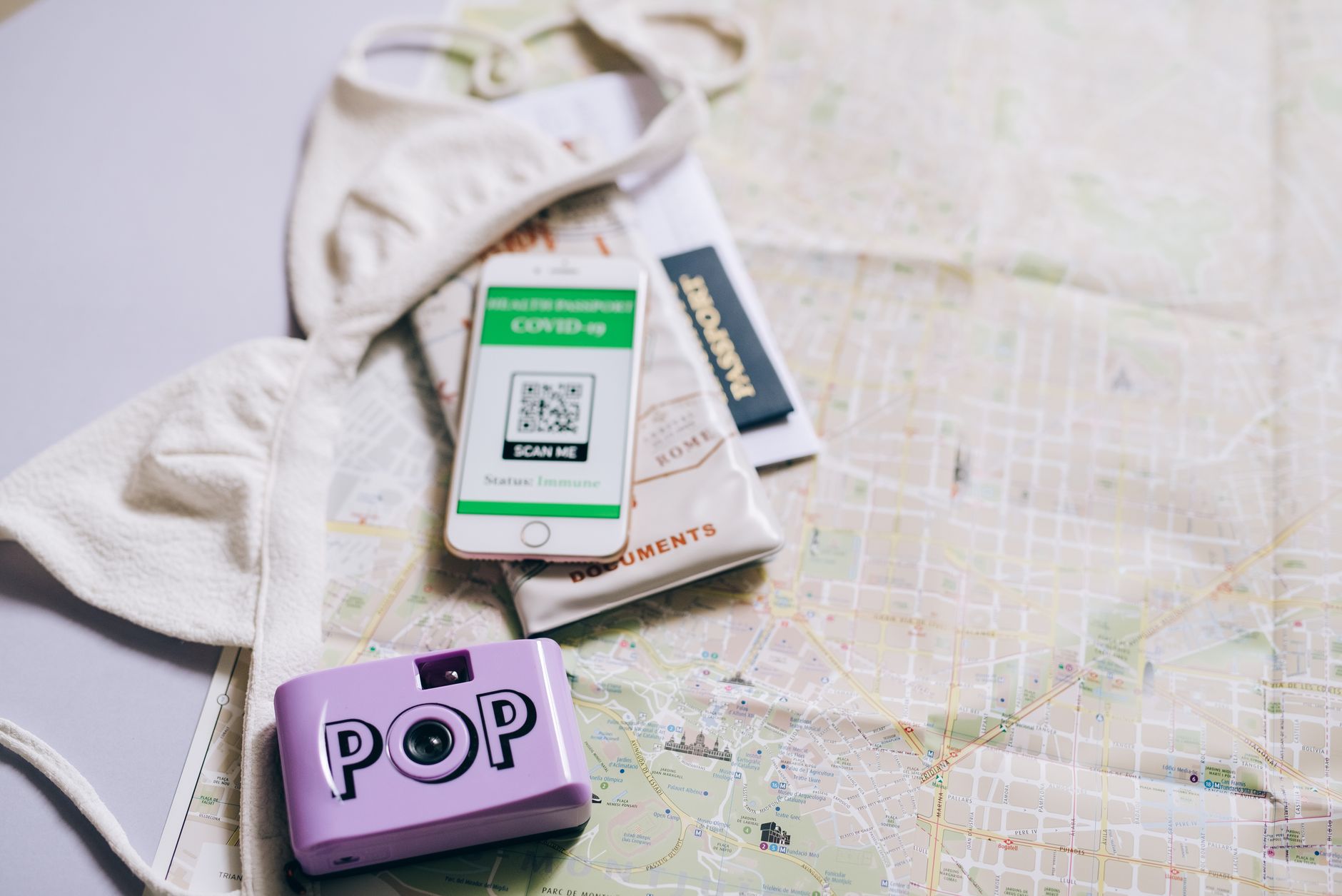
The beauty of an eSIM is its flexibility. You can activate it instantly with a QR code, without hunting for a local shop or dealing with registration queues. This is particularly useful for a digital nomad Thailand visit, as you can have data from the moment you land at Suvarnabhumi Airport. Plus, plans often start around $3.50, making it an incredibly cost-effective solution compared to international roaming.
Tips for Managing Your Data Wisely
- **Download Offline Maps:** Before you head out, download maps for your area in Google Maps. This saves significant data while navigating.
- **Use Wi-Fi for Big Downloads:** Always prioritize Wi-Fi for system updates, app downloads, or streaming high-definition content.
- **Monitor Usage:** Regularly check your phone's data usage settings or your eSIM provider's app to stay aware of your consumption.
- **Adjust Video Quality:** For non-critical video calls or streaming, opt for standard definition over HD.
- **Disable Auto-Play Videos:** Most social media apps have a setting to turn off auto-playing videos, a huge data saver.
- **Utilize Data Saver Modes:** Many browsers and apps offer data saver modes that compress content.
Being a digital nomad in Thailand is an incredible experience, but staying connected is paramount. By understanding your actual data needs and preparing for the inevitable Wi-Fi hiccup, you can ensure your work, and your adventures, go smoothly. A reliable eSIM for Asia is your best friend in this journey, offering both peace of mind and seamless connectivity.
For more insights on staying connected abroad, check out our other destination guides or visit the StrongeSIM support page for any technical questions. Happy travels, and happy working!
Frequently asked questions
Read next
 Playing Padel in Marbella: Courts, Clubs & Finding a GameMarbella has become a mecca for padel enthusiasts. This guide covers where to play padel in Marbella, whether you're a seasoned player or looking for an Instagram-worthy court.
 Getting Reliable Internet in Barcelona: A Local's GuideNavigating Barcelona's vibrant streets and iconic sights requires reliable internet. Here's how to ensure you're always connected, from the metro to the beach.
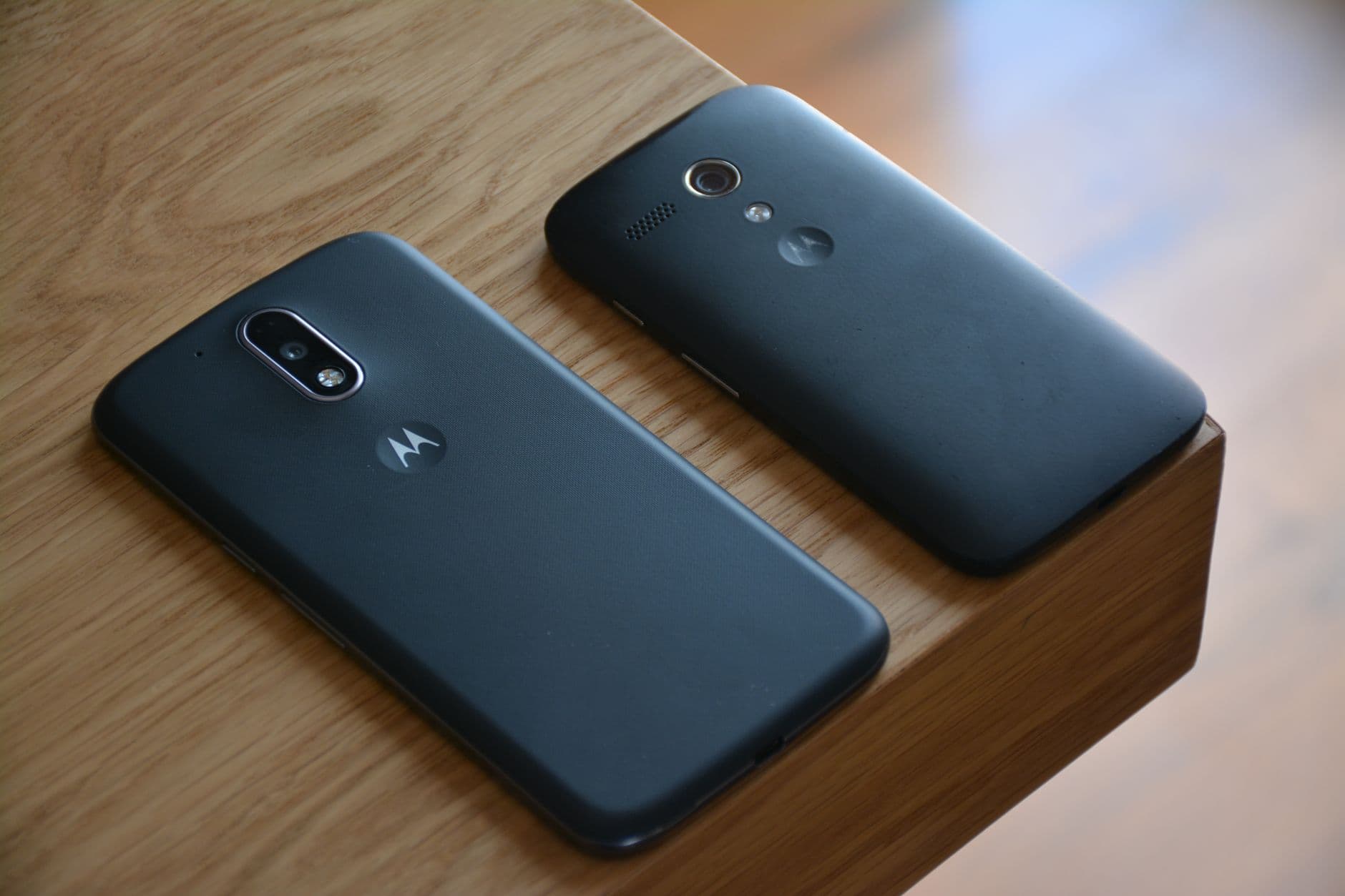 How to Set Up Your eSIM on Motorola for Seamless TravelSetting up an eSIM on Motorola phones is straightforward, especially for travelers looking for flexible data. This guide walks you through the process.
Heading somewhere specific? Compare prepaid and unlimited plans across 197 eSIM destinations, or read the eSIM setup guide before you fly.